
Smart Miles
Stop logging miles by hand. Let Smart Miles do it on autopilot.
Automatic GPS tracking, swipe-to-classify, and IRS-ready reports. Free for 40 drives a month.
The Complete Guide to Automatic Mileage Tracking
Manual mileage logs are error-prone and time-consuming. Learn how automatic tracking works and why it's the smarter approach for your tax deductions.
If you've ever tried to keep a handwritten mileage log, you know the struggle. You forget to write down a trip. You can't remember the exact address. Tax time arrives and you're guessing at numbers from months ago.
The IRS calls this a "contemporaneous" record problem, and it's the number one reason mileage deductions get denied in audits.
The Problem with Manual Tracking
Studies show that people who track mileage manually miss 20-40% of their deductible trips. At 76 cents per mile, that's thousands of dollars in lost deductions every year.
Common issues with manual logging:
- Forgetting trips: especially short ones between appointments
- Inaccurate distances: estimating instead of measuring
- Missing details: the IRS requires date, destination, purpose, and miles for every trip
- Delayed entries: reconstructing a week's worth of driving from memory
How Automatic Mileage Tracking Works
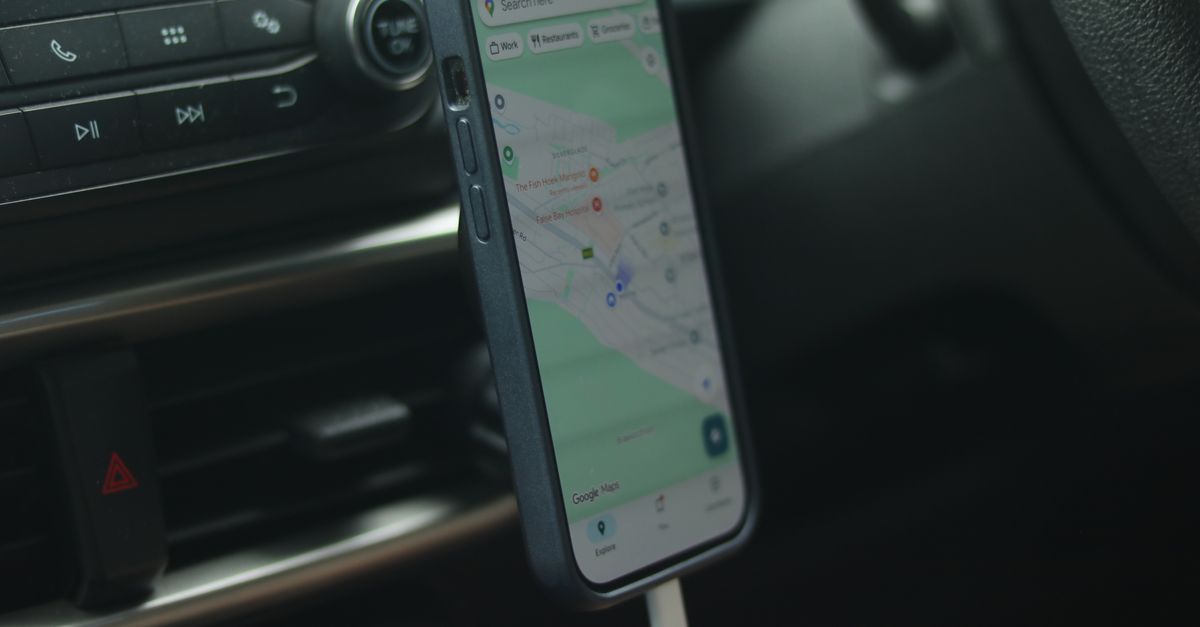
Automatic mileage tracking uses your phone's GPS and motion sensors to detect when you're driving. Here's the basic flow:
- Trip detection: The app detects vehicle movement using accelerometer data and GPS
- Route recording: GPS coordinates are logged throughout the drive
- Trip completion: When you stop, the app finalizes the trip with start/end locations and distance
- Classification: You swipe to classify the trip as business or personal
The entire process happens in the background with zero manual input. You just drive.
What Makes a Good Mileage Tracking App
Not all mileage apps are created equal. Here's what to look for:
Accuracy
The app should use road-snapped routes, not straight-line distance between two points. A trip across town might be 5 miles as the crow flies but 8 miles on actual roads. That difference matters at 76 cents per mile.
Battery Efficiency
GPS tracking is notoriously hard on phone batteries. The best apps use a combination of sensors (accelerometer, cell towers, GPS) to minimize battery drain while maintaining accuracy.
Tax-Ready Reports
Your app should generate reports that include all the fields needed for tax reporting: date, start location, end location, business purpose, and miles. Bonus points for exportable CSV or PDF formats your accountant will love.
Automatic Classification
Smart features like saved locations (flag your office, client sites, etc.) and work hours scheduling can automatically classify trips without you lifting a finger.
The Bottom Line
Every business mile you don't track is money you're leaving on the table. At 76 cents per mile, even 10 forgotten trips per month at 15 miles each adds up to over $1,350 per year in missed deductions.
Automatic mileage tracking eliminates the guesswork. Your log is always complete, always accurate, and always audit-ready. It's the difference between hoping your records hold up and knowing they will.
Related articles
Can Mileage Apps Automatically Classify Business vs. Personal Drives?
Yes, modern mileage apps separate business and personal drives automatically using a quick swipe, work-hours schedules, and frequent-route rules. Here's how.

The Longest-Lasting Cars: 25 Vehicles Most Likely to Reach 250,000 Miles
The cars most likely to hit 250,000 miles, from a study of nearly 400 million vehicles, plus what all those business miles are worth at tax time.

How DoorDash and Gig Workers Track Mileage for Taxes
Delivery apps only report a fraction of your miles. Here's how DoorDash, Uber, and Instacart drivers track every deductible mile automatically for taxes.
Stop leaving money on the road.
Every mile you don't track is a deduction you don't claim. Start tracking automatically today.