Smart Miles
Stop logging miles by hand. Let Smart Miles do it on autopilot.
Automatic GPS tracking, swipe-to-classify, and IRS-ready reports. Free for 40 drives a month.
Do Mileage Tracking Apps Drain Your Battery?
A well-built mileage tracker barely touches your battery: GPS only runs while you drive. Here's how modern apps stay light and the settings that matter.
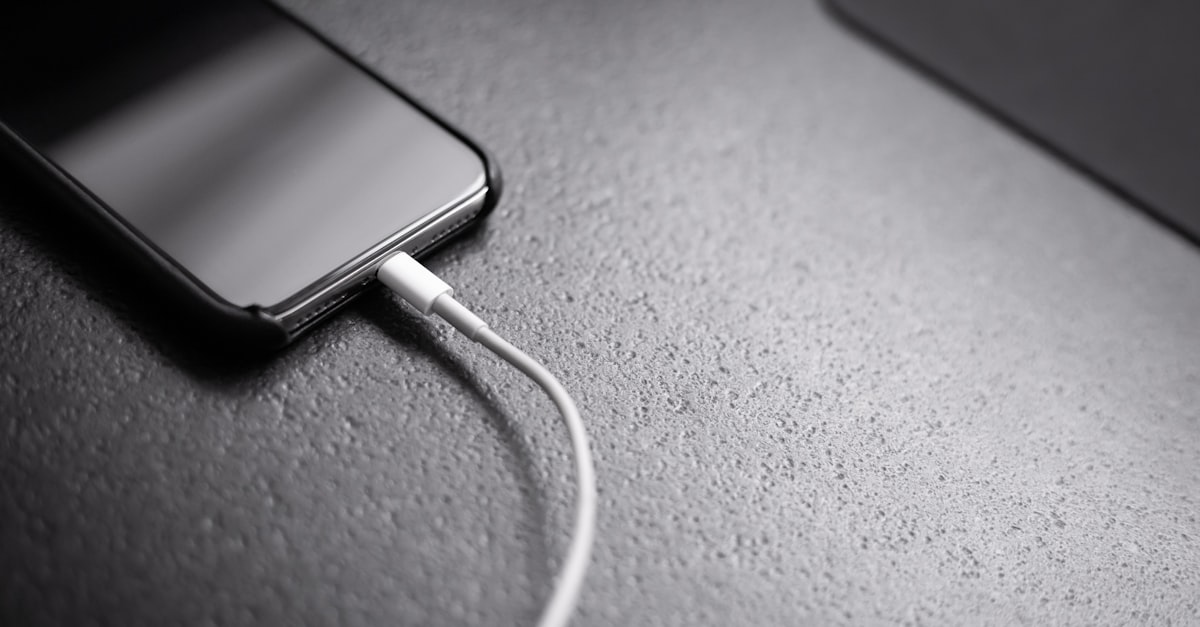
A well-built mileage tracking app does not meaningfully drain your battery. The fear comes from how these apps used to work: older trackers ran navigation-grade GPS all day, and that really did flatten phones by dinnertime. Modern trackers flip the model. They listen for driving with your phone's low-power motion sensors and only turn GPS on while you're actually behind the wheel. The result is that most users see minimal battery impact, and the biggest battery mistake you can make with a mileage tracker isn't running it. It's fighting it with aggressive battery settings that cause missed trips.
Why GPS Apps Got Their Battery Reputation
GPS is one of the most power-hungry radios in your phone. Turn-by-turn navigation keeps it locked on continuously, lights the screen, and recalculates constantly. Early mileage trackers borrowed that model: continuous location polling from morning to night, whether you were driving or sitting at your desk.
That approach deserved its reputation. Running full-time GPS can burn through a large share of your battery in a day. If you tried a mileage app years ago and deleted it over battery drain, this is what you experienced.
How Modern Trackers Stay Light
Today's automatic trackers are built around a simple rule: GPS should only run during a drive. Here's the cycle:
- Idle: the app sits in a low-power state, listening to your phone's activity recognition. This runs on dedicated motion hardware that sips power, the same sensors that count your steps all day without hurting your battery.
- Drive detected: when the phone reports vehicle motion, the app wakes up and starts recording GPS points.
- Drive ends: after an extended period without vehicle movement, the trip is closed and GPS shuts off again.
Smart Miles works exactly this way: it records GPS points only while you're actively driving, never continuously throughout the day. The heavy work, map matching, distance calculation, and address lookup, happens on the server after the trip ends, not on your phone. The help center's How Automatic Trip Tracking Works article walks through the full detection cycle.
For a deeper look at the detection model itself, see our complete guide to automatic mileage tracking.
The Real Battery Mistake: Fighting the Tracker
Here's the irony we see most often: the settings people use to "save battery" are the ones that break tracking.
- Battery saver / low power mode restricts background activity, which can prevent the app from noticing you started driving.
- Force-closing the app kills the motion listener entirely. Android's aggressive per-app battery optimization can do the same thing on a schedule.
- Downgrading the location permission from "Always Allow" stops background detection, so trips only record while the app is open.
None of these save you much power, because the tracker was barely using any while idle. What they do is create gaps in your mileage log. Every missed drive is a missed deduction: at the current rate of 76 cents per mile, one forgotten 20-mile client run is $15.20 off your refund. If that's already happened to you, here's how to add missed trips retroactively.
Set It Up Right Once
Three settings give you reliable tracking with minimal drain:
- Location permission: Always Allow on both iOS and Android, so drive detection works in the background.
- Exempt the app from battery optimization on Android (Settings, Battery, Unrestricted for Smart Miles), so the OS doesn't silence the motion listener.
- Don't swipe the app away. Leave it in the background; idle cost is negligible by design.
The Math That Settles It
Even in a worst case, a tracking app costs you a few percentage points of battery on a heavy driving day. What it earns: the average mileage tracker user finds over $5,000 a year in deductions they were missing. There is no other app on your phone with that trade.
Smart Miles was designed for all-day use from the start: motion-triggered GPS, low-power idle, server-side processing. Install it, grant the permissions, and forget it's there until tax time. See how it works and put your battery worries to rest.
Related articles
Forgot to Track Your Mileage? How to Add Missed Trips Retroactively
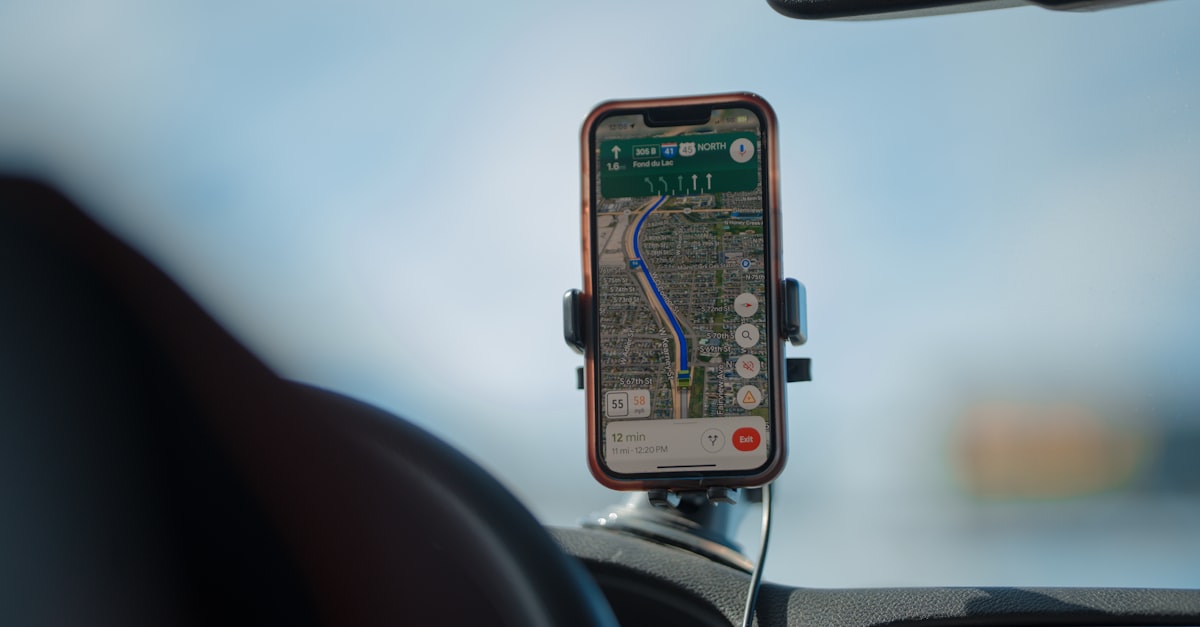
Yes, you can add missed drives to your mileage log after the fact. Here's how to reconstruct forgotten trips, what the IRS accepts, and how to add them in an app.
Can Mileage Apps Automatically Classify Business vs. Personal Drives?
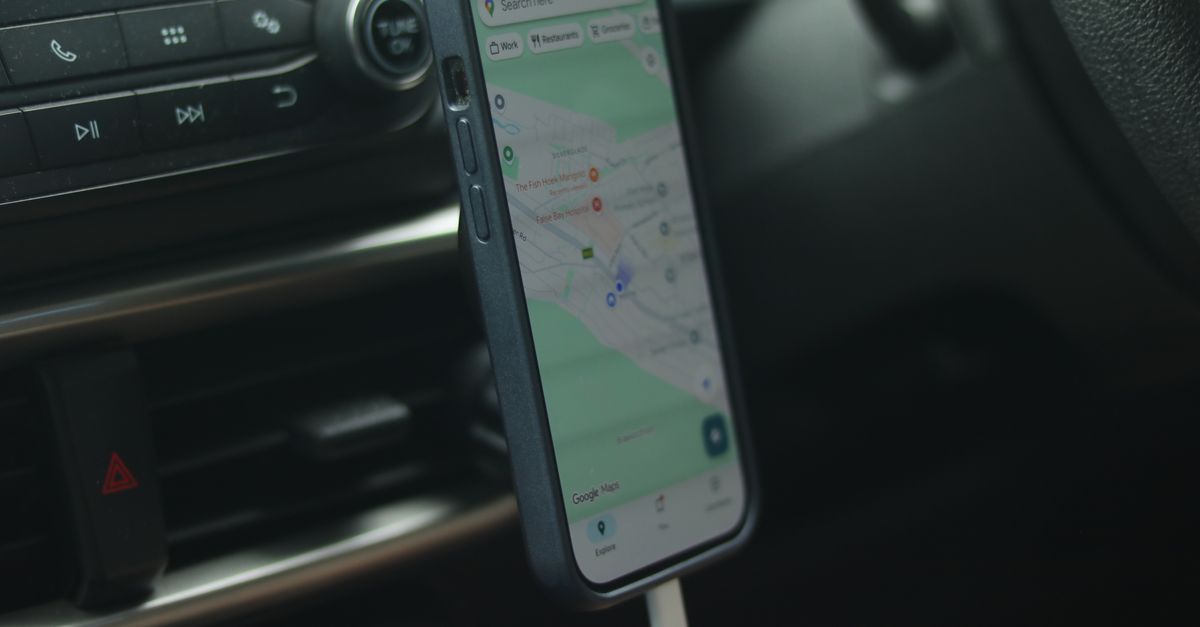
Yes, modern mileage apps separate business and personal drives automatically using a quick swipe, work-hours schedules, and frequent-route rules. Here's how.

The Longest-Lasting Cars: 25 Vehicles Most Likely to Reach 250,000 Miles
The cars most likely to hit 250,000 miles, from a study of nearly 400 million vehicles, plus what all those business miles are worth at tax time.
Stop leaving money on the road.
Every mile you don't track is a deduction you don't claim. Start tracking automatically today.