
Smart Miles
Stop logging miles by hand. Let Smart Miles do it on autopilot.
Automatic GPS tracking, swipe-to-classify, and IRS-ready reports. Free for 40 drives a month.
Can You Deduct Mileage With a W-2 Job and a Side Gig?
Yes: your side-gig miles are deductible on Schedule C even with a day job. Here's which drives count, which don't, and how to keep the logs separate.
Yes. Having a W-2 day job doesn't cost you the mileage deduction for your side gig. The miles you drive for your own business, whether that's DoorDash after work, weekend real estate showings, or a freelance client across town, are deductible on Schedule C at the standard mileage rate, currently 76 cents per mile (72.5 cents for miles before July 1, 2026). What you can't deduct is anything related to the W-2 job itself. The whole game is knowing which bucket each drive falls into, and keeping a log clean enough to prove it.
The Two Sets of Rules You're Living Under
When you have both a day job and self-employment income, every work drive follows one of two rulebooks:
- W-2 miles: not deductible. Since the 2017 tax law took effect, employees can't deduct unreimbursed job expenses on their federal return, mileage included. Your commute was never deductible, and driving between offices for your employer is now your employer's problem to reimburse, not a deduction for you.
- Side-gig miles: deductible. As a 1099 contractor or business owner you file Schedule C, and business miles are one of the biggest deductions on it. How much that's worth depends entirely on how many of your miles you can substantiate.
Which Drives Count When You're Doing Both
The confusing part is the same car doing both jobs in one day. Here's how the common drives sort out:
- Home to your W-2 job: commuting, never deductible.
- Your W-2 job directly to side-gig work: generally deductible business travel for the gig. Driving from one workplace to another in the same day isn't a commute.
- Driving during gig work: deductible. For delivery and rideshare that generally runs from your first pickup to your last drop-off, including the miles between orders. See the full breakdown for DoorDash and gig drivers.
- Last drop-off to home: generally treated as commuting, not deductible.
- Home office exception: if your side business runs from a qualifying home office as its principal place of business, drives from home for that business become deductible. The details are in our guide to commuting vs. business miles.
Two Side Businesses? Each Gets Its Own Miles
If you have more than one source of self-employment income, say DoorDash plus an Etsy shop, each business files its own Schedule C, and each one claims only its own miles. You can't lump 8,000 combined miles onto one form. That means your log needs to show not just "business," but which business each drive served.
This is exactly where generic trackers fall short, and it's one of the most common complaints from multi-app gig workers. A log that just says "Business, 12.4 miles" doesn't tell your tax preparer which Schedule C it belongs on. If you also pick different business activity codes for each gig, the IRS is seeing two separate businesses, and your records should match that.
How to Keep One Car's Miles Cleanly Separated
You don't need two apps or two spreadsheets. You need three habits in one tracker:
- Track everything automatically. Every drive gets recorded, then you classify. You can't split miles you never captured.
- Add a note naming the business on each work trip. In Smart Miles that's a one-line note like "DoorDash" or "Etsy supply run" on the trip, added in seconds (how to edit a trip or add a note).
- Export and subtotal at tax time. The CSV export includes a purpose, vehicle, and notes column for every trip (how to export your trips). Sort by the notes column in any spreadsheet and each business's miles subtotal in one step. If you happen to use different vehicles for different businesses, the export can be filtered by vehicle and the split is already done.
Your accountant gets one clean file with every trip dated, addressed, classified, and labeled by business. That's a log that holds up, which matters because mileage is one of the deductions the IRS actually scrutinizes; see how to prove your mileage.
What It Adds Up To
Side-gig miles are usually worth more than people expect. A part-timer driving 6,000 gig miles in the second half of 2026 is sitting on a $4,560 deduction at 76 cents per mile. Miss a third of those drives because you were tired after your day job and forgot to log them, and you handed back over $1,500. Run your own numbers with the 1099 tax calculator.
Smart Miles tracks every drive automatically, classifies business from personal with a swipe, and exports a per-trip log your tax preparer can split across as many Schedule Cs as you've got. If you're building something on the side of a day job, start capturing those miles now: they're the cheapest deduction you'll ever earn.
Related articles
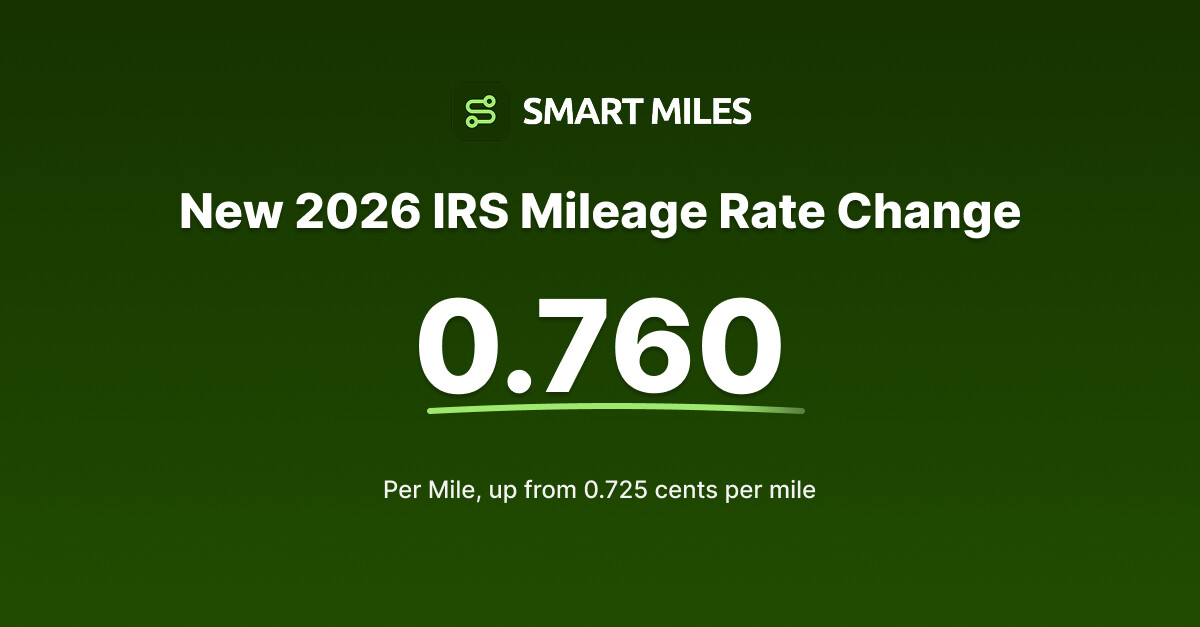
IRS Raises the Mileage Rate to 76 Cents for the Rest of 2026
The IRS announced a rare mid-year increase: the business mileage rate rises from 72.5 to 76 cents per mile on July 1, 2026. Here's what changes for you.

Standard Mileage Rate vs. Actual Expenses: Which Should You Choose?
Pick the IRS method that pays you more: the simple 76 cents-per-mile standard rate, or the actual-expense method with receipts. Here's how to decide and how to switch.

Is Mileage Reimbursement Taxable Income?
Mileage reimbursement is taxable by default. It only becomes tax-free when your employer runs an accountable plan that pays at or below the 2026 IRS rate of 76 cents per mile.
Stop leaving money on the road.
Every mile you don't track is a deduction you don't claim. Start tracking automatically today.